Logic Pro Control Surface

Reinvent the way you control Logic Pro.

Transport & channel strip.

Transport
  • Control commonly used transport buttons
  • Volume, pan, arm, solo, mute and send effect volume
  • Horizontal and vertical zoom level control
  • Timeline playhead control
  • Select any track of your project from the touch screen
  • Select and control audio effects, plugins and native devices
  • Select and control instruments, plugins and native devices
  • Pre-mapped Logic instruments and audio effects

Mixer control.

Mixer
  • 8 tracks per page
  • Control the send effect volume
  • Select track from the touch screen
  • Mixer view follows the track selection in Logic

Audio effects and instruments.

Plugins
  • Control any Logic native or third party instrument and audio effect
  • Create mappings and assign parameters to encoders and buttons instantly
  • 28 assignable encoders and 21 assignable buttons per page, 32 pages per plugin
  • Select a track from the touch screen and control any device / plugin

Keyboard commands via touch buttons.

Macros
  • 70 assignable buttons to send any key to Logic
  • Each button can have an image and custom name
  • Control the volume and pan of 8 tracks using the bottom and top encoders

Meters on controller faders.

Metering

Adjust the volume of the track you are working on, either with the physical encoder or with the on-screen fader.
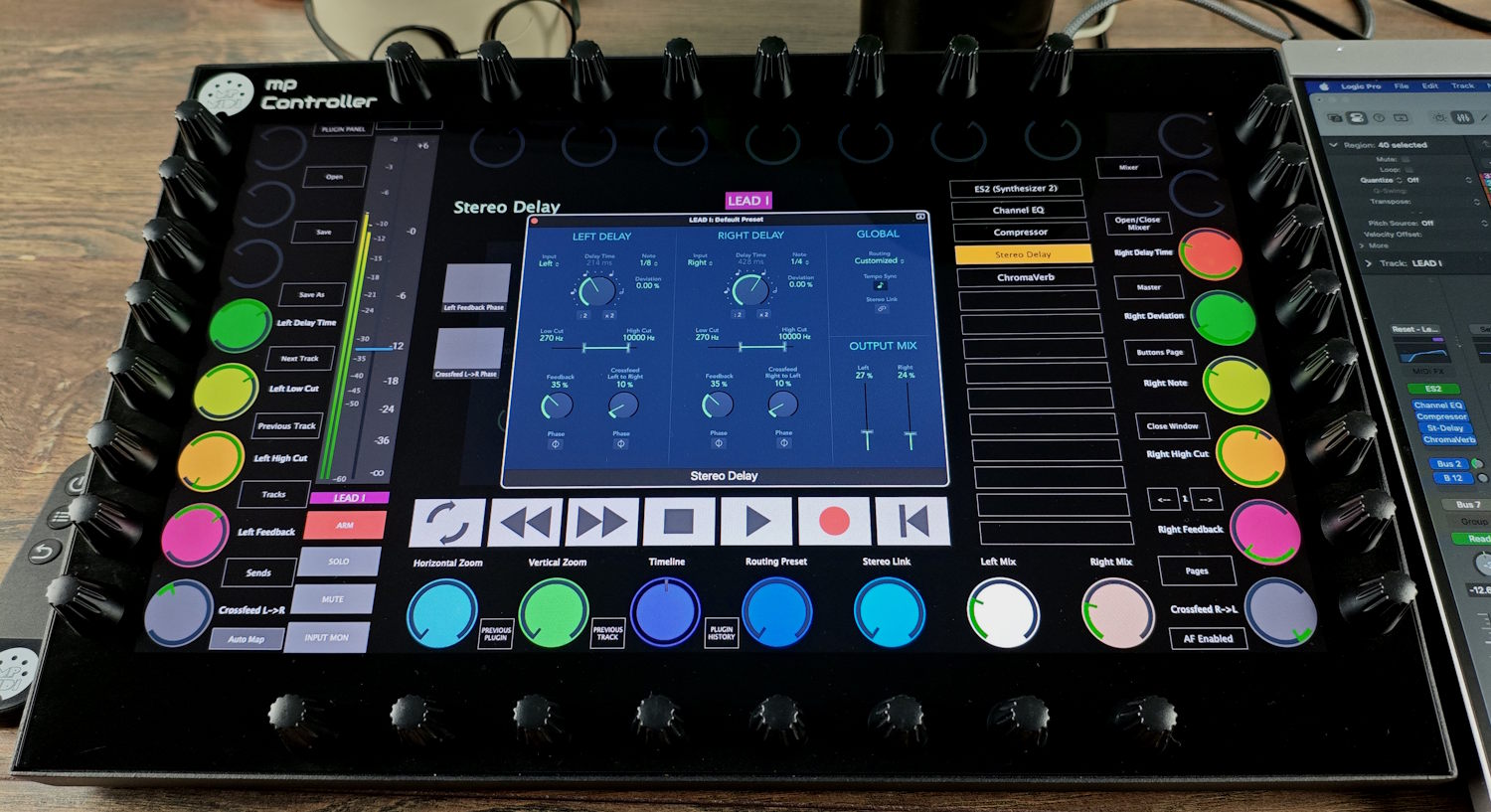
Meters on the MP Controller faders in main view

Mix on the controller, meter per track.

Mixer metering

The mixer carries a meter for each track so that you don’t have to check Logic’s Pro window. Adjust using the on-screen fader or the physical encoder under each track.
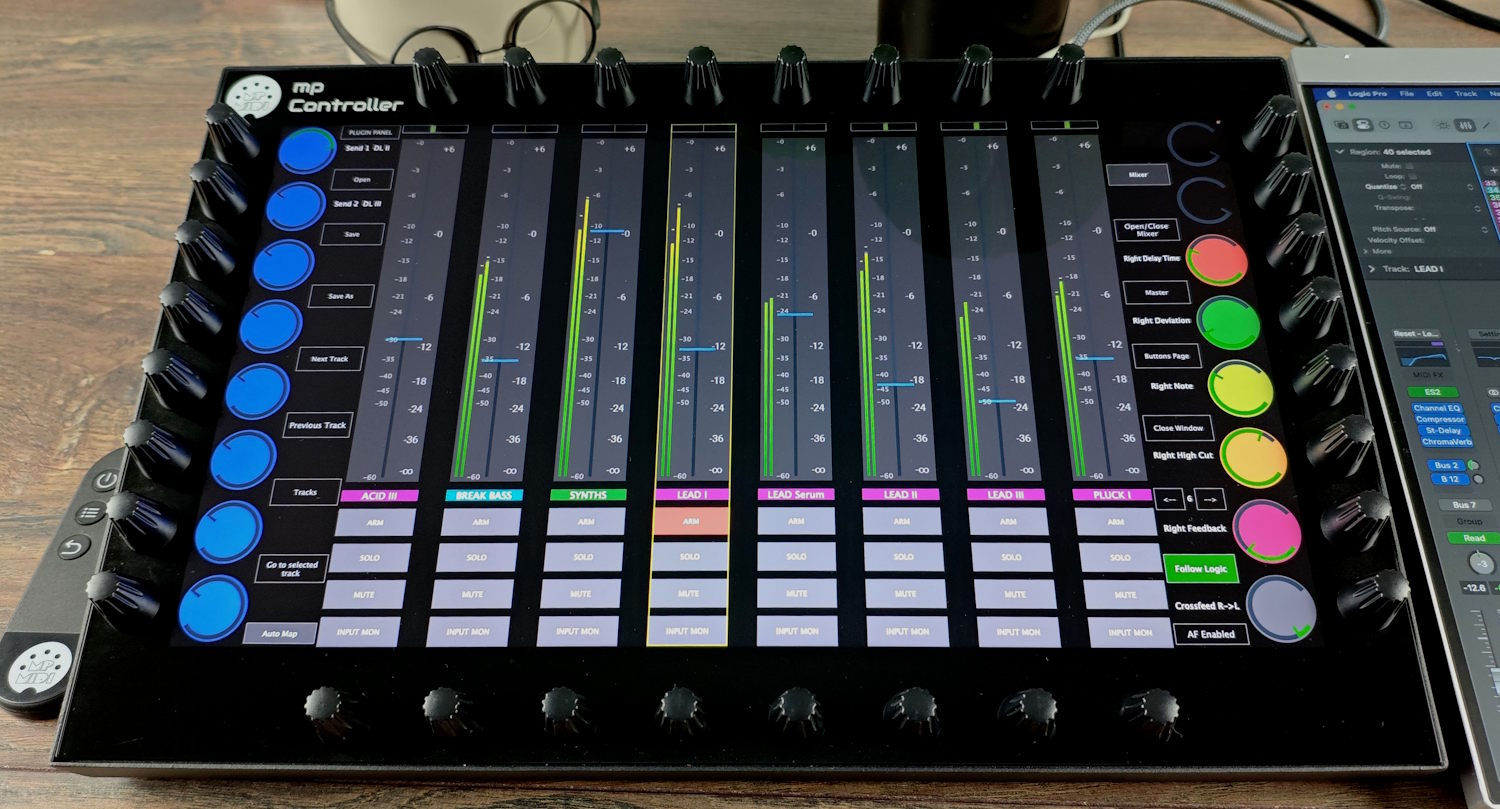
Per-track meters in the MP Controller mixer view, the MIDI controller for Logic Pro

Switch to plugin control from the touch screen.

Plugin control

One touch to switch from any page of the control surface to your previous plugin.

Select plugins from tracks from the Plugin Panel of the MP Controller.

The most comprehensive MIDI controller for Logic Pro.

Overview

The MP Controller is a MIDI controller made specifically to control Logic Pro. Where a generic MIDI controller maps a few knobs to Logic Pro, the MP Controller ships a dedicated Logic Pro control surface, 32 endless encoders, a 15.6-inch touchscreen and deep plugin mappings, so it is the only MIDI controller for Logic Pro that drives the mixer, channel strip, transport, Smart Controls, Logic's native instruments and audio effects, and any AU, VST2 or VST3 plugin from one device. See how it compares in our guide to the best MIDI controller for Logic Pro.

See it in action by “How Do You DAW”.

Review

Discover the full plugin control features.

Plugin control

See how the MP Controller maps VST2, VST3 and AU plugins across every supported DAW.

Explore Features

control software like hardware.

The MIDI controller for Logic Pro, now shipping worldwide.

Shop Now